How to Help a Non-Technical User Through Tech Support: When Patience Is the Product
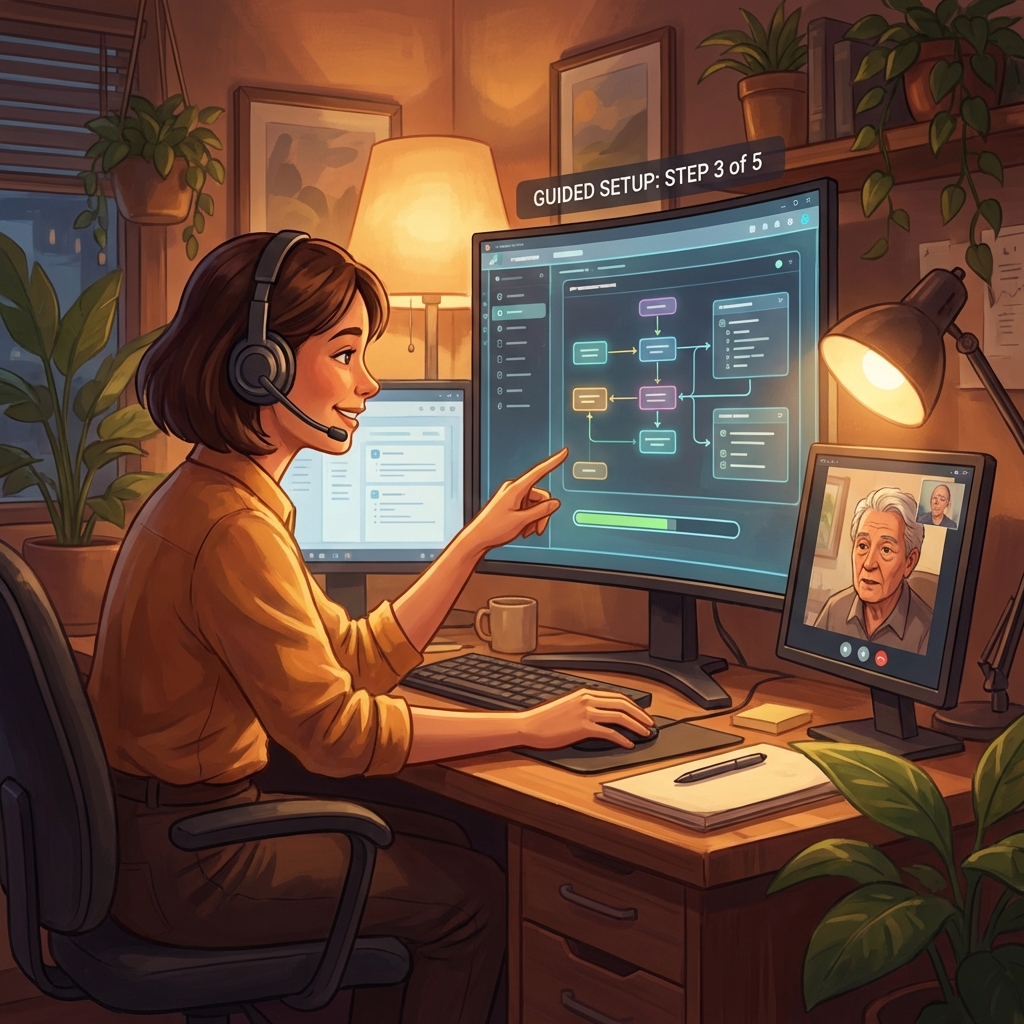
She's been staring at the same error message for two hours. Linda runs a flower shop — three employees, a Valentine's Day rush in six days, and an inventory system she paid for but can't install. Her nephew usually handles this stuff, but he's away at college. She's already apologized twice before finishing her first sentence. "I'm sorry, I'm not very good with computers." The problem is a Windows Firewall setting she's never heard of. But the real problem is that she's starting to believe she made a mistake buying your software — that it's not for people like her. The next ten minutes will decide whether she becomes a loyal customer who leaves a glowing review or a refund request with a story about feeling stupid.
Why This Conversation Goes Wrong
You use jargon without realizing it. "Can you check your firewall settings?" might as well be Mandarin. She doesn't know what a firewall is. She doesn't know where settings live. Every technical term you drop without translation is a small door slamming shut. She won't ask what it means — she'll just go quiet.
You move at your speed, not hers. You rattle off three steps at once because you've said them a thousand times. She's still trying to find the Start menu. When the silence stretches, you repeat the same instructions faster and louder, as if volume fixes comprehension.
You let her apologize without redirecting. "I'm sorry, I'm so bad at this." If you let that statement stand — or worse, confirm it with "it's actually pretty simple" — you've made the call about her inadequacy instead of your product's usability. She's not bad at computers. Your install guide assumed a user who doesn't exist.
You solve the problem but lose the person. You remote in, fix the firewall, close the ticket. Done. But Linda still doesn't understand what happened or why. The next error will feel just as impossible. You resolved the ticket. You didn't resolve her confidence.
The Slow Mirror
The instinct in technical support is to solve as fast as possible. With a non-technical user, speed is the enemy. Linda doesn't need you to be fast. She needs you to make her feel like she's keeping up — and that keeping up is normal, not remedial. The Slow Mirror means matching her pace, reflecting her experience back in plain language, and treating every small step she completes as genuine progress. Because it is.
Interrupt the shame spiral immediately
"Linda, you've been working on this for two hours. That takes real persistence — most people call us after twenty minutes. You're not bad at this. Our install process just isn't clear enough." Reframe from "I'm incompetent" to "the instructions weren't good enough." That shift changes the entire call.
One step, one confirmation, one breath
Give exactly one instruction at a time. "Do you see the Windows icon in the bottom-left corner of your screen? The little four squares? Click on that." Wait. Confirm. Then the next step. Never stack. If she says "I think so?" treat that as a no and describe it differently. Every confirmed step is a small win you can name: "Perfect, you got it."
Translate the invisible
A firewall is "a security guard inside your computer that sometimes blocks new programs from connecting — even ones you want." An error message is "your computer's way of saying it needs permission." Never say "it's simple." Say "this trips up a lot of people, so you're in good company." The goal is zero shame.
Let her do the last step
When you're close to the solution, resist fixing it yourself. Walk her to the point where she clicks the final button. "Now hit 'Allow Access.' ... You just fixed it, Linda." That's not a participation trophy — that's accurate. She did fix it. The memory of solving it herself is worth more than any support rating.
Anchor confidence for the next problem
"If anything else comes up, you call us. And next time, you'll already know about that security guard — you'll probably spot it before we do." Leave her with the feeling that she learned something real, not that she survived something embarrassing. The best tech support calls end with the customer feeling smarter than when they dialed.
The moment that changes everything
She's not calling about software. She's calling about Valentine's Day.
Linda didn't buy inventory management software because she loves technology. She bought it because Valentine's Day is the week that makes or breaks her year, and she's terrified of running out of red roses at 2pm on February 13th. Every minute the software doesn't work, her anxiety about the biggest week of her business year compounds. The technical problem is a firewall setting. The emotional problem is a 58-year-old woman who built a business with her hands wondering if the world has moved past her. If you fix the firewall but miss that — if you close the ticket without saying "you're going to crush Valentine's Day with this" — you solved the wrong problem. The agents who earn five-star reviews from customers like Linda don't do it by being technically brilliant. They do it by making Linda feel like the kind of person who figures things out.
What to Say (and What Not To)
Instead of
"Can you check your firewall settings?"
Try this
"Your computer has a security guard that's blocking the install. I'll show you exactly where to find it."
Instead of
"It's actually pretty simple."
Try this
"This trips up a lot of people — our instructions don't explain this step well enough."
Instead of
"Just go to Control Panel, then System and Security, then Windows Firewall."
Try this
"Do you see the search bar at the bottom of your screen? Type the word 'firewall.' Just that one word. Tell me what comes up."
Instead of
"Is there anything else I can help with?"
Try this
"You're all set for Valentine's week. And if anything else comes up with the software, you call us directly."
Instead of
"I understand, ma'am."
Try this
"Two hours on this — honestly, I'd be frustrated too. Let's get it working together."
The Bigger Picture
Small business owners account for roughly 40% of new software subscriptions in the SMB SaaS market, yet they have the highest churn rate within the first 30 days. The primary driver isn't product dissatisfaction — it's installation and onboarding friction. A 2023 Gainsight study found that customers who rated their onboarding support experience positively had a 93% retention rate at 12 months, compared to 29% for those who rated it poorly. Linda's call isn't a support ticket. It's a retention event.
The hidden business case for patience: Linda told you in the scenario setup that "if the agent is patient and kind, she will leave a glowing review." That's not unusual. According to BrightLocal research, 76% of consumers are asked to leave reviews, but the ones who actually do are disproportionately those who had an emotional experience — positive or negative. One patient call with Linda generates organic marketing that no ad budget can replicate.
There's a structural problem underneath Linda's call. The install guide assumed a user with baseline technical knowledge. It didn't mention firewalls, didn't explain error messages in plain English, didn't offer a "call us and we'll walk you through it" option on the error screen itself. The best support teams treat calls like Linda's as product feedback, not support volume. Every confused customer is a usability bug report disguised as a phone call.
Practice This Conversation
10 minutes · AI voice roleplay with Linda Cho
Reading about this is step one. Practicing it changes everything. Sonitura lets you rehearse this exact conversation with Linda Cho, a realistic AI small business owner, flower shop, not tech-savvy who reacts to your words in real time. It takes 10 minutes. When a real customer says "I'm sorry, I'm not very good with computers," you'll already know the words that turn embarrassment into confidence.
Practice This Scenario Free →